
01
Name model, size and finish
Give each tap finish, basin model and fitting diameter a distinct item and SKU. Check connection size before selecting an item.
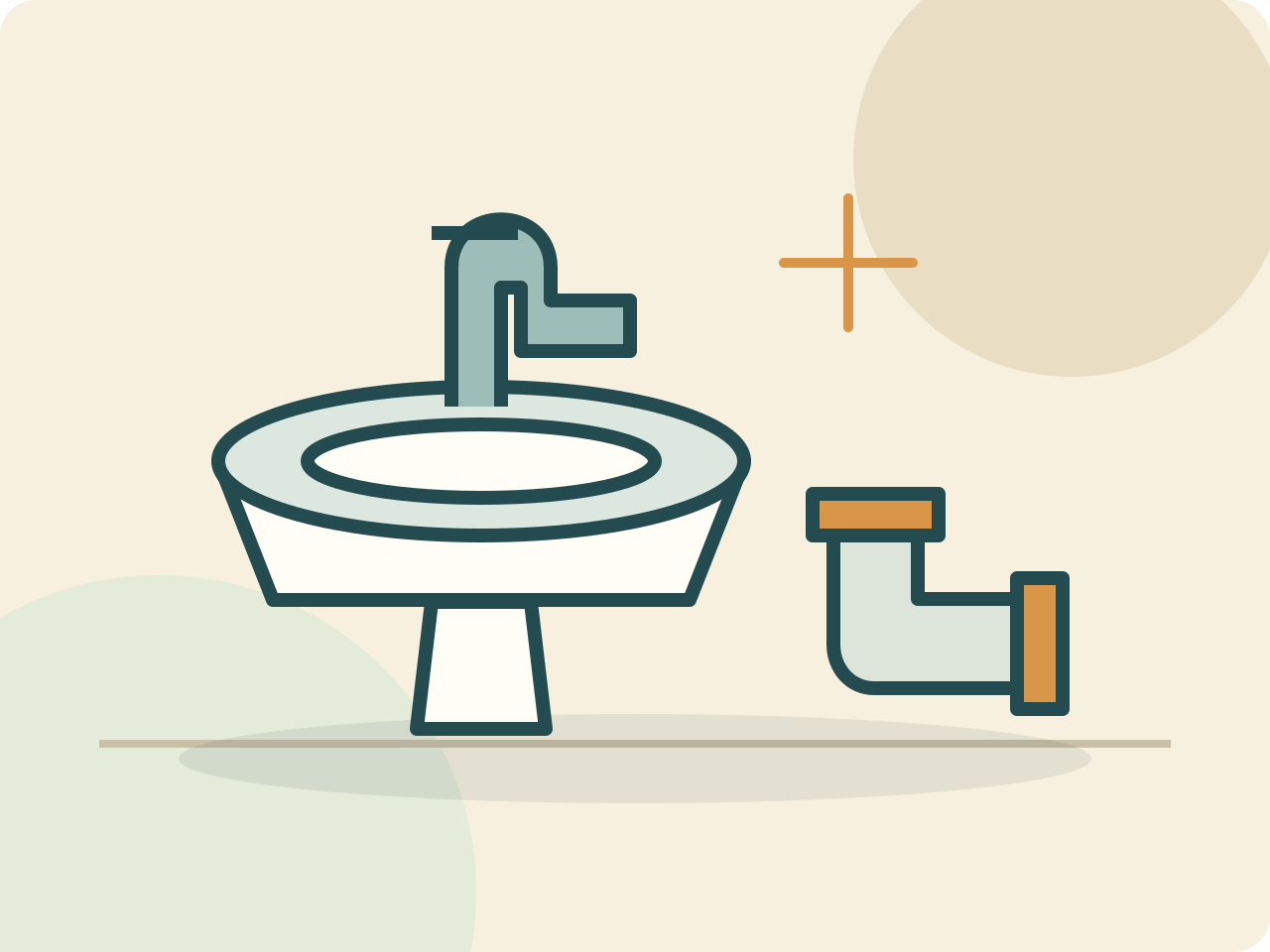
- Basin tap
- PVC elbow · 25 mm
Sanitaryware shop billing software
Organise taps, basins, pipe fittings and accessories by model, size and finish, with purchases, customer payments and returns in connected records.
Dukanam · sanitaryware shop
Illustrative bill · Sample prices

A DAY IN THE STORE
Give each tap finish, basin model and fitting diameter a distinct item and SKU. Check connection size before selecting an item.
Record a complete set and an individual fitting with clear selling units. Check every invoice line; automatic kit decomposition is not promised.
Record supplier invoices against the correct item and selling unit. Check receipts, returns and outstanding balances; stock tracking depends on the selected plan.
BUILT FOR REAL COUNTERS
The invoice, payment, stock movement, cash movement, and accounting entry remain connected without asking the person at the counter to become an accountant.
Before you switch
Use your own product catalogue to test a complete sale, purchase and return. Organise taps, basins, pipe fittings and accessories by model, size and finish, with purchases, customer payments and returns in connected records.
Add fittings with similar names but different diameters or finishes. Check that a counter search and printed invoice identify the selected product clearly.
Choose whether an item represents a complete set or one component. Verify the quantity recorded for purchases and sales; do not assume automatic bill-of-materials or kit conversion.
Use a representative sale to test how an accepted return changes the invoice and item stock. Keep delivery scheduling, fitting compatibility and warranty decisions in your established process.
Yes. Give each distinct product a clear item name and SKU, then use item or SKU search in POS. Verify the selected product and quantity before completing the sale.
Compare current invoice limits and stock, purchase and reporting features on the pricing page. Test the available workflow using representative items; specialist industry features are not implied by the store category.
A look inside Dukanam
The Android home screen brings money owed to you, money received and recent balances into one view. Open an invoice or record a payment when you need the detail behind a balance.
Explore the Android and iOS apps, then compare the features included in your plan. Test your desktop scanner and receipt printer separately before switching a busy counter.
Explore the mobile apps →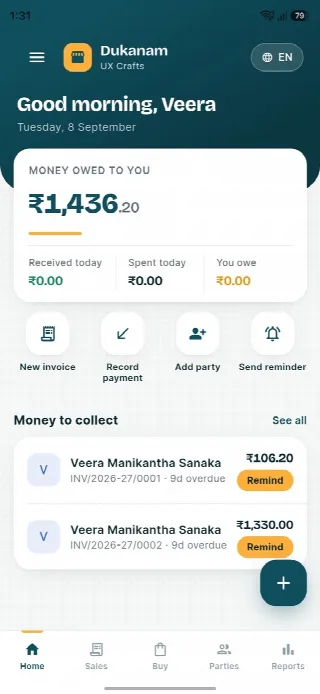
Sanitaryware shop billing questions
General sales, purchases and returns are covered. Dedicated installation scheduling and warranty-service workflows are not promised.
Try a real invoice, purchase and return using your own items. Check the selected plan, taxes, units and specialist requirements before adopting the software.
No. Dukanam prepares GST-aware invoices and reports. It does not claim direct GST portal or IRP submission.
Explore another retail workflow
Add a few products, complete a sale, record the payment, and check the resulting stock movement yourself.